 Claude, zero to pro
You do not need
to be technical.
You need to know what the buttons do, and what to hand over. That is all this is.
Where everything lives
One window.
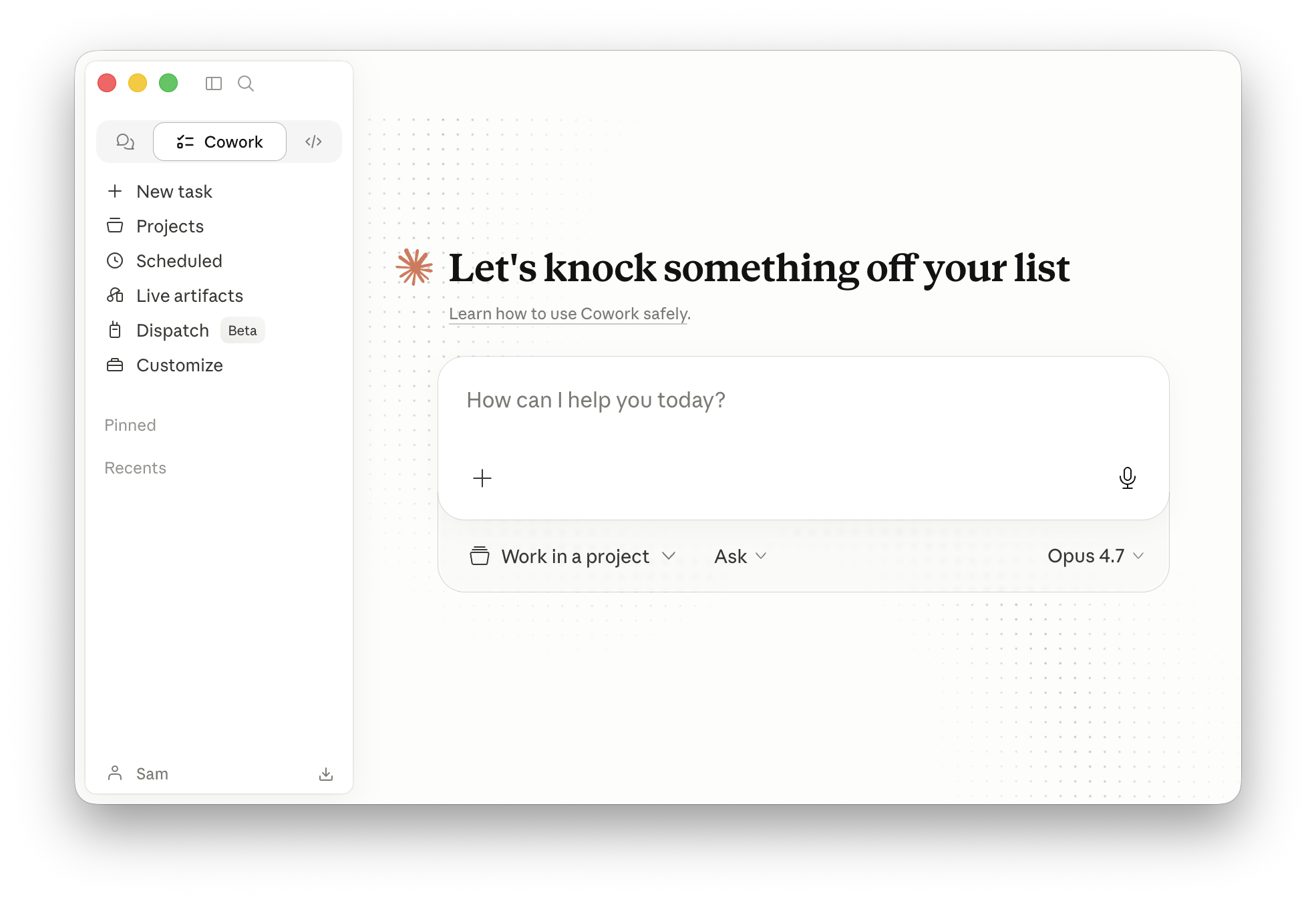
One window.
Three ways to work.
ChatConverse
Thinking out loud. Questions, drafts, working an idea out with someone.
CoworkDelegate
Handing over a job. You describe the outcome and walk away.
CodeBuild
Making the thing itself. Software, tools, automations that did not exist before.
All three are worth learning. And Code can do all three jobs at once, which is why
it is worth reaching for once the other two feel easy.
Find the switcher first. It is the ringed control, top left. On web and
phone it can sit in the message box instead.
Skills
A skill is just
A skill is just
a note it can read.
SKILL.md
name: weekly-posts
description: Write a week of
posts in our voice ---
Read the price list first.
Seven posts, one carousel.
Never invent a price.
Lead with the weather.
...
posts in our voice ---
Read the price list first.
Seven posts, one carousel.
Never invent a price.
Lead with the weather.
...
Always in its head. Two lines.
Only opened when your job matches those two lines.
It is a text file. Nothing more.
Claude keeps the top two lines of every skill in mind at all times. When what you ask matches, it opens the rest and follows it.
You can read it
You can change it
No code
The question everyone asks
Can I shut my laptop?
It depends on one thing: does the job need something that lives on your computer?
Yes, shut it
The job lives in the cloud
Research, writing, anything through a connector, and scheduled jobs you made in the cloud.
It keeps going.
No, leave it on
The job needs your own files
×
Your folders, your browser, your screen. The link to your machine breaks the moment the lid shuts.
It stops.
Sample ends
Four of about forty.
Tell me what to change and I will build the rest to match. Look, pace, how much text, how hard the animations work.